Features
What Simply Zone does
Menu-bar clocks
Add any number of clocks from a searchable catalogue of around 34,000 cities, reorder them, and format the menu-bar display down to weekday, date, seconds and zone code.
A draggable time converter
A horizontal ruler shifts a focus time across every clock at once, with colour-coded working, waking and night hours per zone.
A real-calendar meeting planner
A calendar grid reads real Calendar events per zone, shows who's in or out of working hours, and saves new events straight back to Calendar via EventKit.
A world map and moon almanac
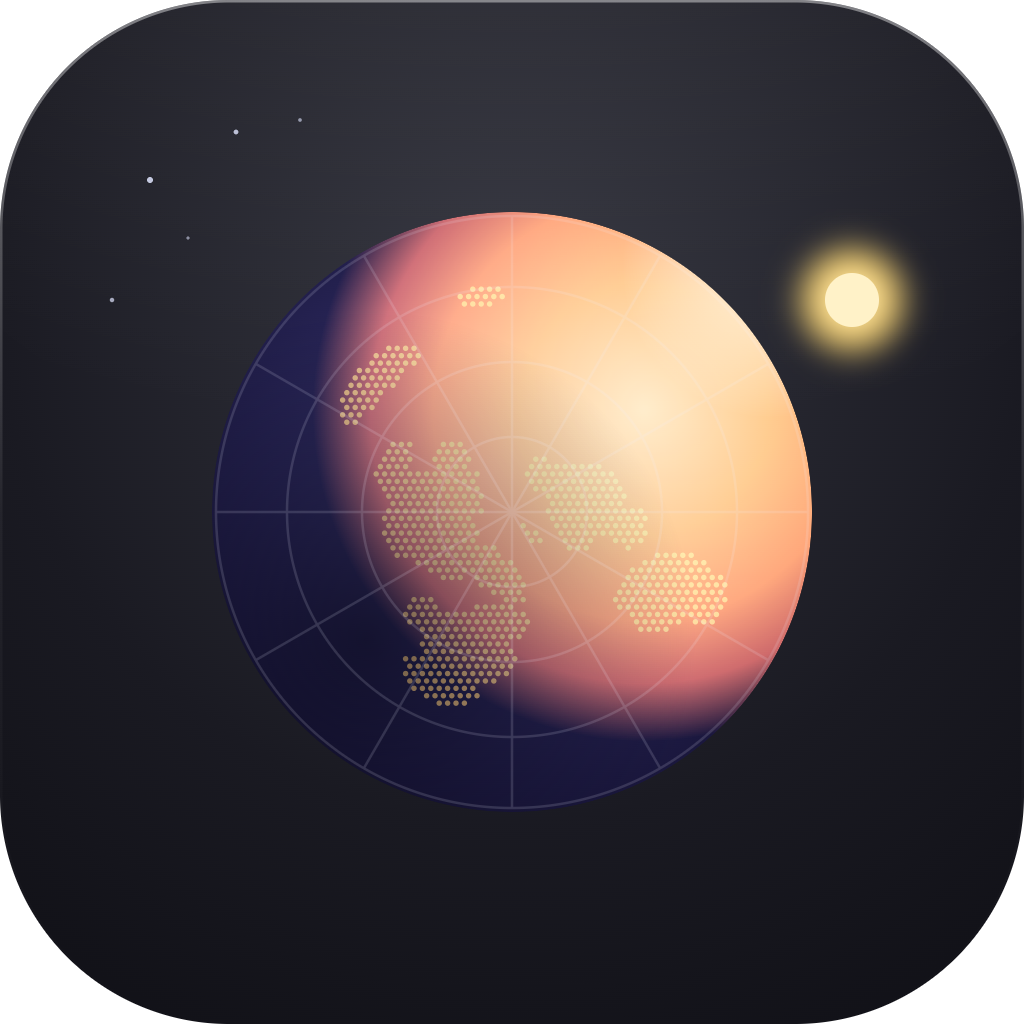
A live day/night terminator map tracks every clock's city, alongside a photoreal rendered moon disc showing phase, moonrise, moonset and distance. Both are built on two independently cross-checked offline algorithms.
Fully offline and private
Every calculation runs from bundled city, time zone, solar and lunar data. There is no account, no analytics and no tracking, and calendar data never leaves the Mac.
Built with
Simply Zone puts every time zone that matters in the Mac menu bar, and a full world-time toolkit one click away. Clocks are added from a searchable catalogue of around 34,000 cities with coordinates, and arranged in any order. The menu-bar display can be formatted to match a user's workflow: weekday, date, seconds, zone code, 12- or 24-hour.
Four tools behind a single click
Clicking the menu bar opens an at-a-glance popover listing every clock. Per-zone detail on GMT offset, DST, sunrise/sunset, day length and moon phase is available a click further in. From there, four built-in tools go deeper. A draggable time converter shifts every clock at once with colour-coded working hours, and a meeting planner reads a user's real calendar and saves new events straight back to it. A world map shows a live day/night terminator with pins for every clock, and a moon almanac shows a photoreal rendered phase disc, moonrise and moonset times, distance, and a month calendar of phase days.
Built entirely offline
Everything runs from data bundled with the app: a city and coordinate catalogue, IANA time zone data, and solar and lunar calculations checked against two independent algorithms. This means there is no account, no analytics and no tracking, and calendar data used by the meeting planner never leaves the Mac. A companion desktop widget mirrors an analogue clock face and digital zone list, and the app supports launch at login and eight languages, all built natively in SwiftUI.
Have a product in mind?
From a first sketch to the App Store, we design and ship software that feels effortless. Tell us what you are making.